

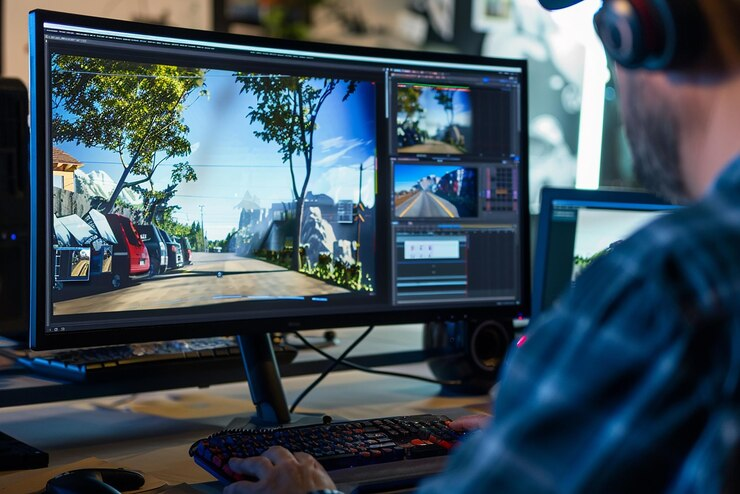

Photo editing styles refer to a defined set of adjustments or effects applied to achieve a particular aesthetic or mood in an image. They are of different types and can significantly change the overall appearance of your image. Some common editing styles you must know are as follows.
1. Exposure, Contrast, and White Balance
In photo editing, the exposure determines the overall brightness of the image. While it may seem straightforward to achieve optimal image exposure, in reality, it is not. You have to consider several factors to ensure your pictures do not lack details in shadows and have perfect highlights.
Contrast refers to the difference between light and dark areas. You can use this feature to create different moods. By adjusting the contrast in your images, you can make them appear more dramatic or flat, depending on whether you have increased or decreased the difference between light and dark tones.
White balance ensures that the colors and lighting in your picture are accurate. Adjusting this feature allows you to make the image appear more natural by correcting the unwanted color contrasts.
2. Pixelating
When an image is enlarged beyond its original resolution, you can resize it by pixelating. This will break it down into individual pixels, helping you create a blurry, blocky, and less detailed appearance.
Many artists pixelate their favourite pictures to build their own personalized pixel puzzle masterpiece and for many other purposes by using different tools like Photo Pixelator.
3. Cropping
Cropping refers to the removal of some portions of your image to enhance its framing and focus. Its primary purposes include:
- Adjust Aspect Ratio: Cropping changes the shape of the image, allowing you to make it square or wider according to your needs.
- Remove Unwanted Elements: You can remove distracting backgrounds, excess space, and irrelevant objects by cropping them from your picture.
- Improve Focus: Cropping improves focus on the main subject of the image by eliminating all the unwanted elements, improving its visual impact, and refining its composition.
4. Color Correction and Grading
Color correction enhances your image, making it appear more natural and realistic. It accurately represents the real scene by correcting color casts, balancing color channels, and adjusting saturation in the picture.
On the other hand, grading allows you to create different moods and styles by manipulating the colors in the picture. It is used to enhance the colors in a photo and create a specific atmosphere or aesthetic. Its primary techniques include adjusting hue and saturation, remapping curves, splitting toning, and fixing contrast.
5. Composition
Composition is all about arranging the elements within the frame for the following purposes:
- Tell a Story: By composing the image, you can enhance its visual narrative and convey your emotions.
- Create a Pleasing and Balanced Image: Composing allows you to use techniques like the rule of thirds, leading lines, and symmetry to create visual harmony in your picture.
Guide the Viewer’s Eye: With the help of the right composition, you can guide the viewer’s gaze to the main subject of the image.